Category
Video Compression
Explore all published articles in Video Compression.
Video CompressionNov 26, 2026 | 5 min read
Online compressors need no install, but you have to upload your video first. Here's an honest comparison with offline apps, and when to use each.
Video CompressionNov 23, 2026 | 4 min read
Screen recordings compress better than almost any other video, if you use the right settings. Here's how to shrink them on Windows without blurring the text.
Video CompressionNov 19, 2026 | 4 min read
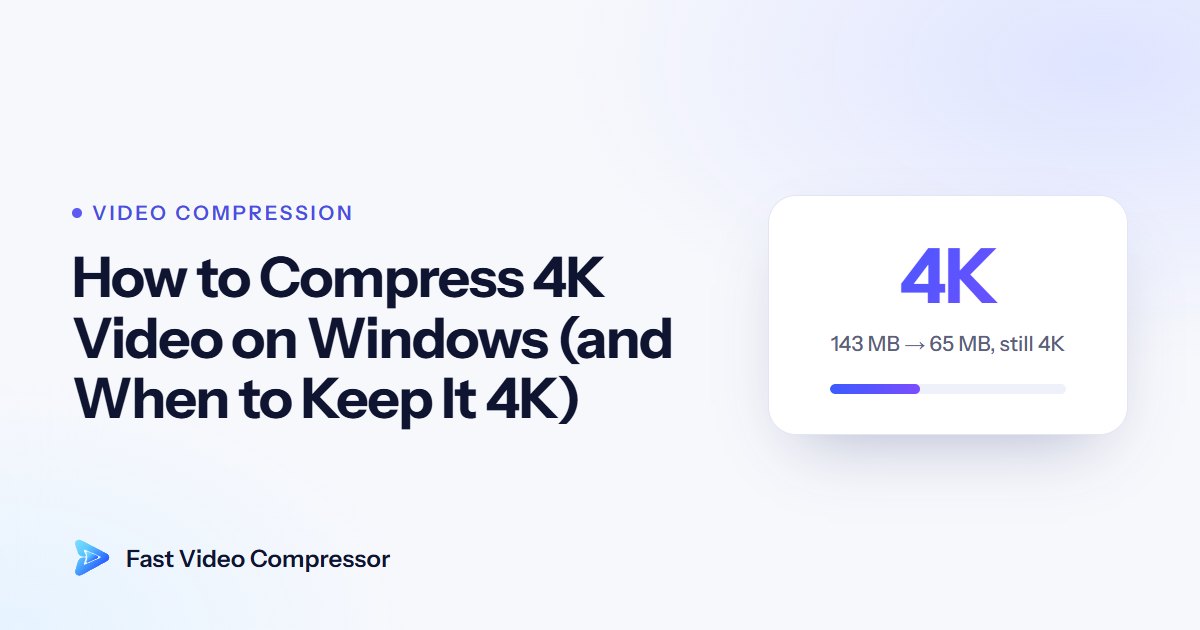
4K looks great but fills your drive fast. Here's how to compress 4K video on Windows, with a real example: 143 MB to 65 MB, still 4K.
Video CompressionNov 12, 2026 | 6 min read
Your USB drive has plenty of space, but Windows says the file is too large. The cause is FAT32's 4 GB limit. Here are three fixes, which one keeps the video playable on a TV or car stereo, and what it means if the drive isn't FAT32.
Video CompressionNov 5, 2026 | 5 min read
Turning a 1 GB video into 100 MB is very doable. Here's what decides how good it looks, and how to do it offline on a Windows PC.
Video CompressionOct 23, 2026 | 13 min read
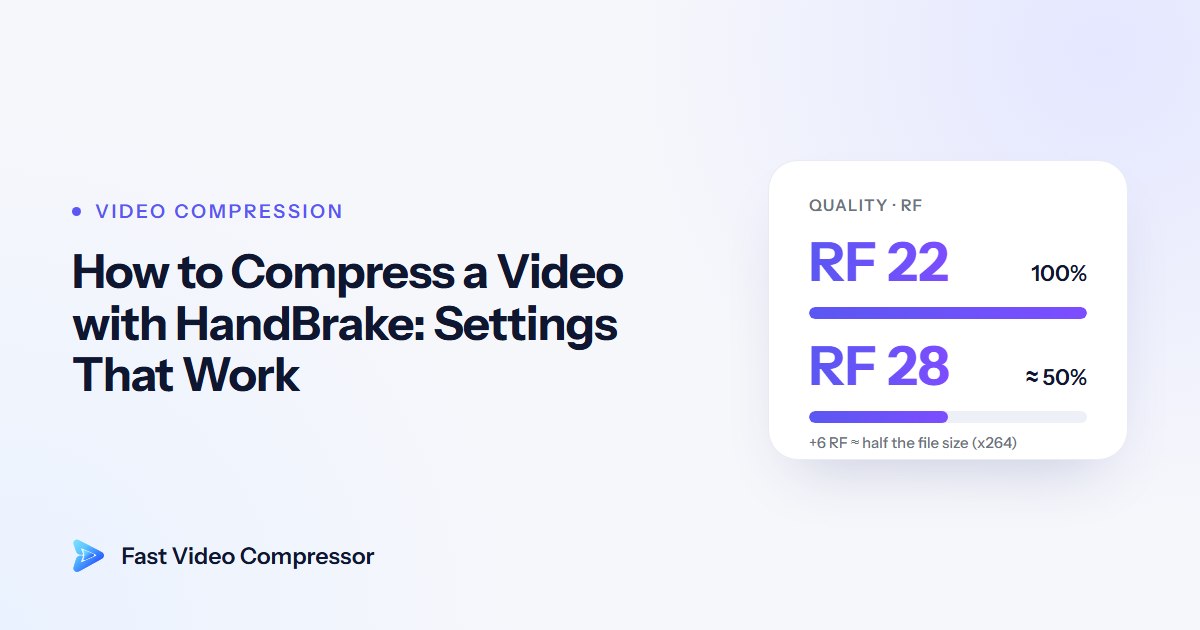
HandBrake can cut most videos to a fraction of their size, but its defaults won't always get you there. Here are the four settings that matter, the RF numbers to use, and how to hit an exact size limit.
Video CompressionOct 12, 2026 | 4 min read
Looking for SVP Video Compressor? It's the same app with a new name. Here's what changed, what stayed the same, and how to get the latest version.
Video CompressionRecently published | 10 min read
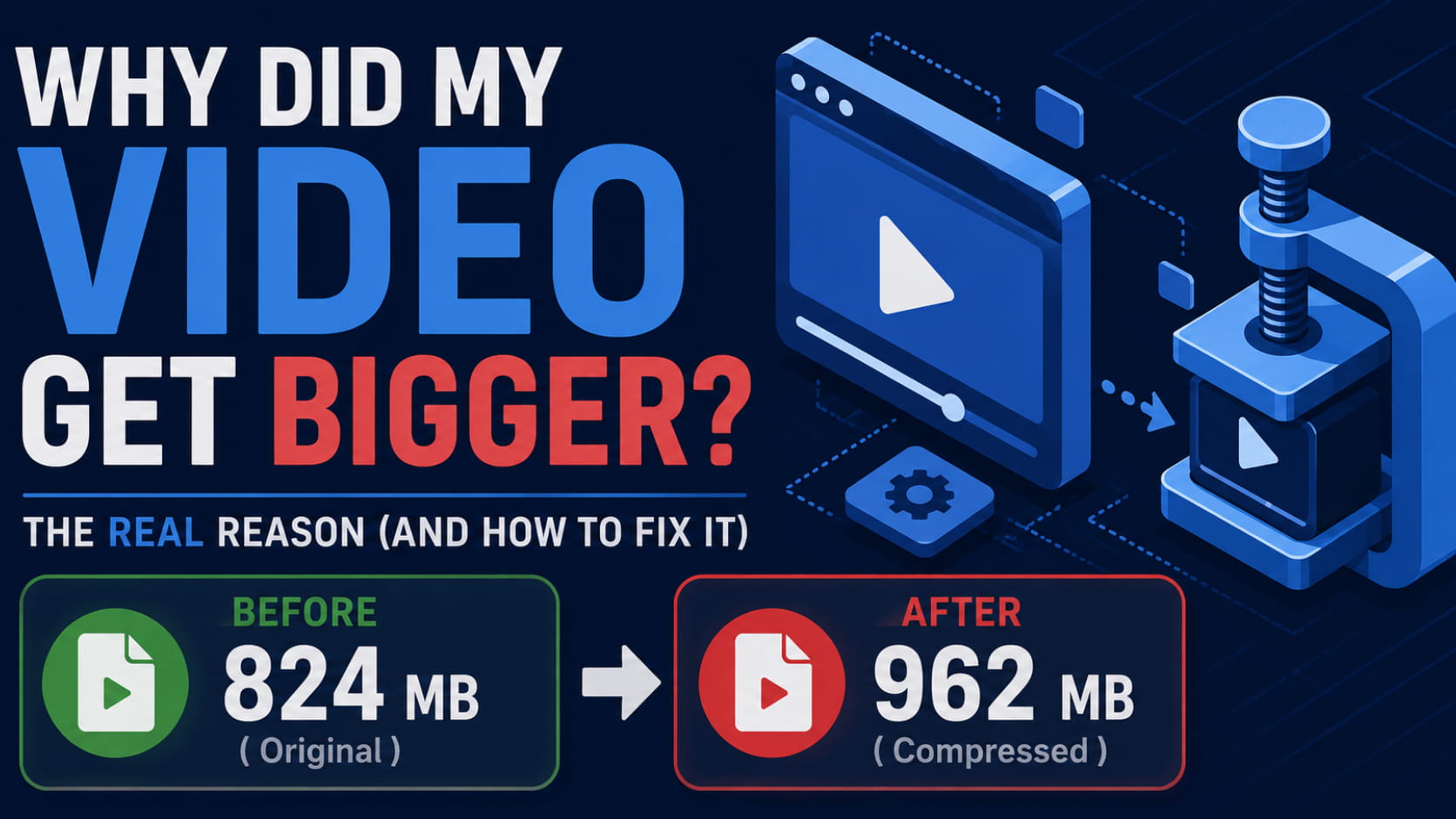
You cut a video shorter and it came back five times bigger. You ran it through a compressor and it grew. This isn't user error — it's what compression actually does, and there are four reasons it happens. Here's how to spot which one is yours, and the one check that stops it happening again.
Video CompressionRecently published | 15 min read
HandBrake won't tell you the output size until the encode finishes. Compare Fast Video Compressor, VidCoder, Shutter Encoder and FFmpeg — what each is best for, and which fits your job
Video CompressionRecently published | 12 min read
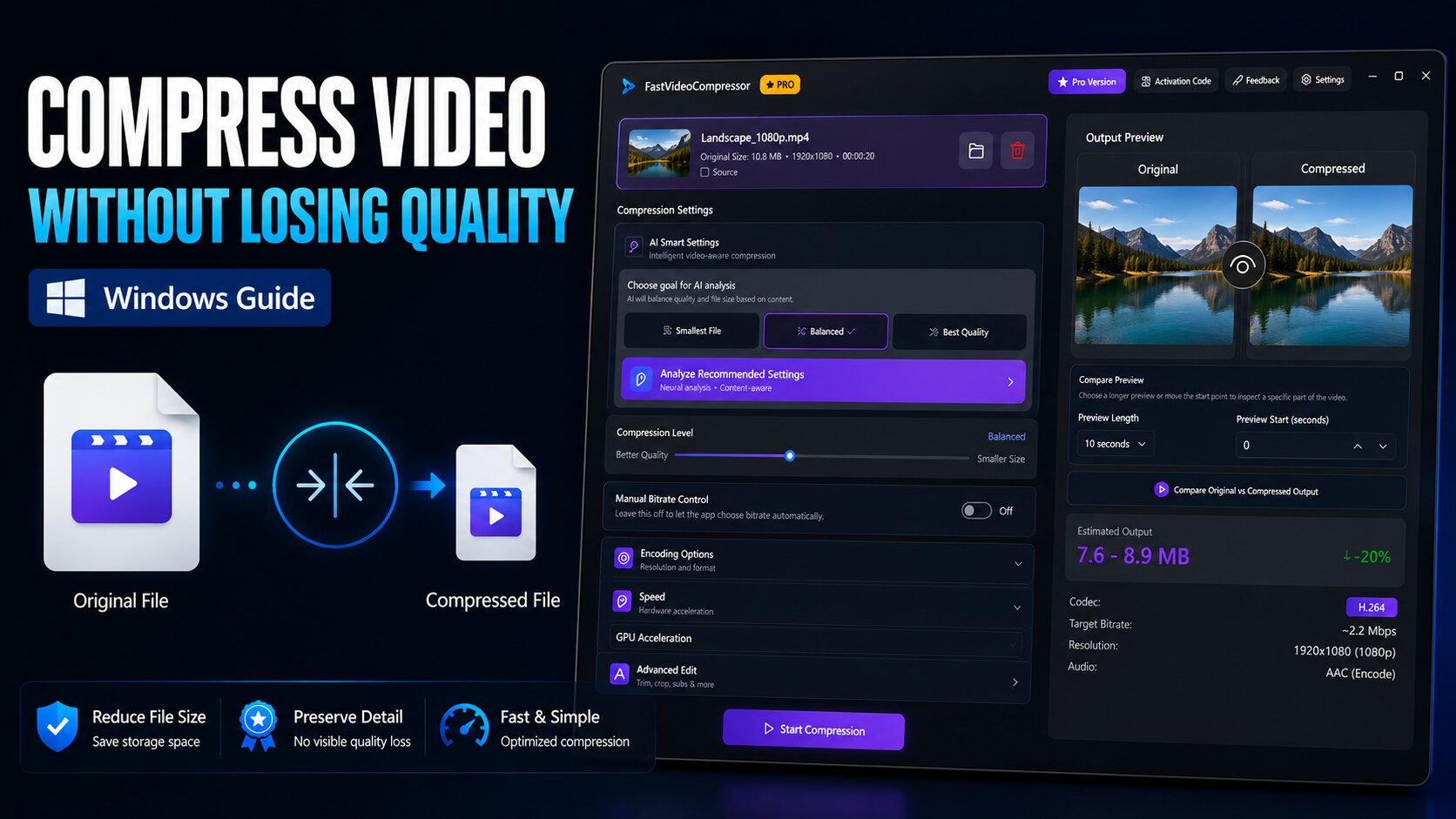
All video compression throws some data away. The real goal is no visible loss. Here's how to get there on Windows: what decides file size, the settings that matter, and how to check before you export.