4K video looks amazing. It also fills your phone, laptop and cloud storage incredibly fast. A single minute of 4K from a modern phone uses about 170 to 400 MB, depending on the frame rate and format setting.
The good news: most of that data is invisible. Here's how to compress 4K video on Windows, and how to decide whether it should stay 4K.
Why 4K files are so big
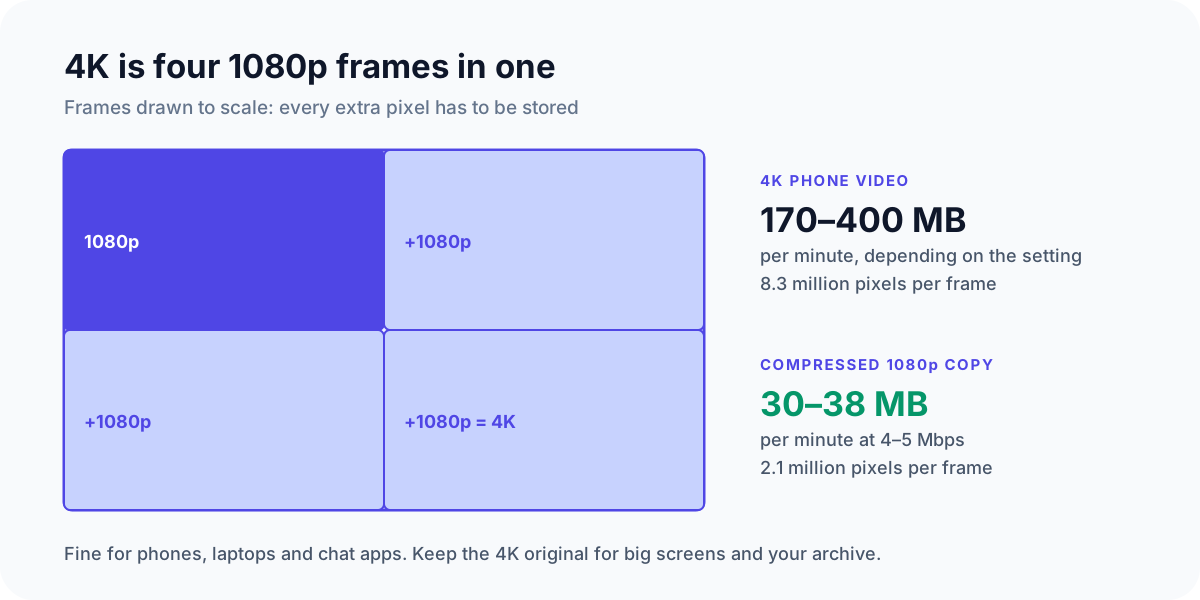
4K frames have 8.3 million pixels, four times as many as 1080p. Phones also record them at a high bitrate, roughly 20–50 Mbps (megabits of data every second), so nothing gets lost while filming. That's safe, but very wasteful for watching and sharing.
Option 1: Keep it 4K, just smaller
Maybe you want to keep the full resolution for your own archive, or to watch on a 4K TV. You can still cut the file size a lot by lowering the bitrate.
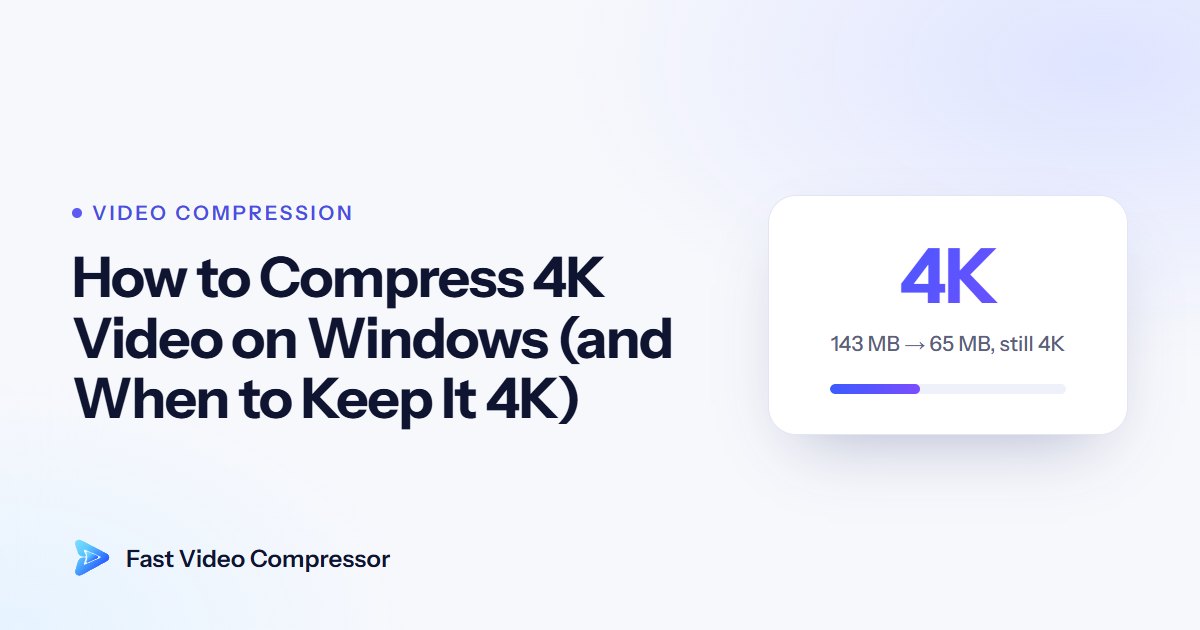
Real example: in our test, a 143 MB 4K clip compressed to 65 MB, still in 4K, with the Balanced preset in Fast Video Compressor. That's 55% smaller, with no difference you'd notice on a normal screen.

Option 2: Convert 4K to 1080p
For sharing, 1080p is almost always enough. Phones, laptops and chat apps show videos far smaller than 4K anyway.
Dropping to 1080p, plus a sensible bitrate, often makes the file 80–90% smaller. The arithmetic: a 1080p copy at 4–5 Mbps uses about 30–38 MB a minute, so a 400 MB minute of 4K shrinks by about 90%, and a 170 MB minute by about 80%. Our guide to what video bitrate is explains the numbers.
Which one should you choose?
| You want to... | Choose |
|---|---|
| Keep your best copy of a holiday or event | 4K, Best Quality |
| Watch it on a 4K TV or monitor | 4K, Balanced |
| Send it to family or friends | 1080p, Balanced |
| Share it on WhatsApp, Discord or email | 720p, Smallest File |
| Free up space but keep it looking great | 4K or 1080p, Balanced |
How to compress 4K video with Fast Video Compressor
- Add your 4K video. The free edition accepts MP4 files up to 2 GB each, which covers most Android phone videos. iPhone videos are MOV files, and long 4K recordings are often over 2 GB; both need Pro.
- Choose a goal: Best Quality for archiving, Balanced for everyday use, Smallest File for sharing.
- Choose the resolution: keep Original for 4K, or pick 1080p.
- Check the estimate and the preview. Compare a detailed scene, like leaves or water, before you commit.
- Click Start Compression. Your original stays untouched.
Make 4K compression faster
4K has a lot of pixels, so compressing it on the processor takes time. Fast Video Compressor Pro can use your NVIDIA, Intel or AMD graphics card, which is much faster on long 4K recordings. Pro also adds H.265 (HEVC), which is especially efficient for 4K. If a 4K HEVC video won't play somewhere, see how to convert HEVC to MP4 before you re-encode it. If you prefer free tools, our guide to compressing a video with HandBrake covers the 4K settings. See H.264 vs H.265 for when to use it.
Common questions
How much space does 4K video use?
A minute of 4K from a modern phone is usually about 170–400 MB. A well-compressed 4K copy can be half that or less.
Will a 1080p copy still look good on a 4K TV?
Yes. The TV upscales it, and from a normal viewing distance most people can't tell. Up close, fine details look a little softer.
Why won't my 4K video play smoothly on my PC?
4K files are very data-heavy, and phone 4K is often H.265, which older PCs struggle to decode. A compressed 1080p H.264 copy plays smoothly almost anywhere.
Is it better to shoot in 1080p to save space?
If you never watch on big screens, maybe. But shooting in 4K and compressing later gives you the best of both: a sharp original and small copies for sharing.
Can my laptop handle 4K compression?
Yes, it just takes longer on older laptops. Plug it in, and use Pro's graphics card support for long 4K videos.
In short
Keep 4K for your best copies and compress it with Balanced to save 50% or more. Switch to 1080p when sharing. To see how resolution affects size, read 1080p vs 720p: how much smaller is the file?