What is Fast Video Compressor for Windows?
Fast Video Compressor is a free offline video compressor for Windows 10 and Windows 11: a simple video size reducer that makes large video files smaller without uploading them to the cloud.
How do I compress MP4 videos offline on Windows?
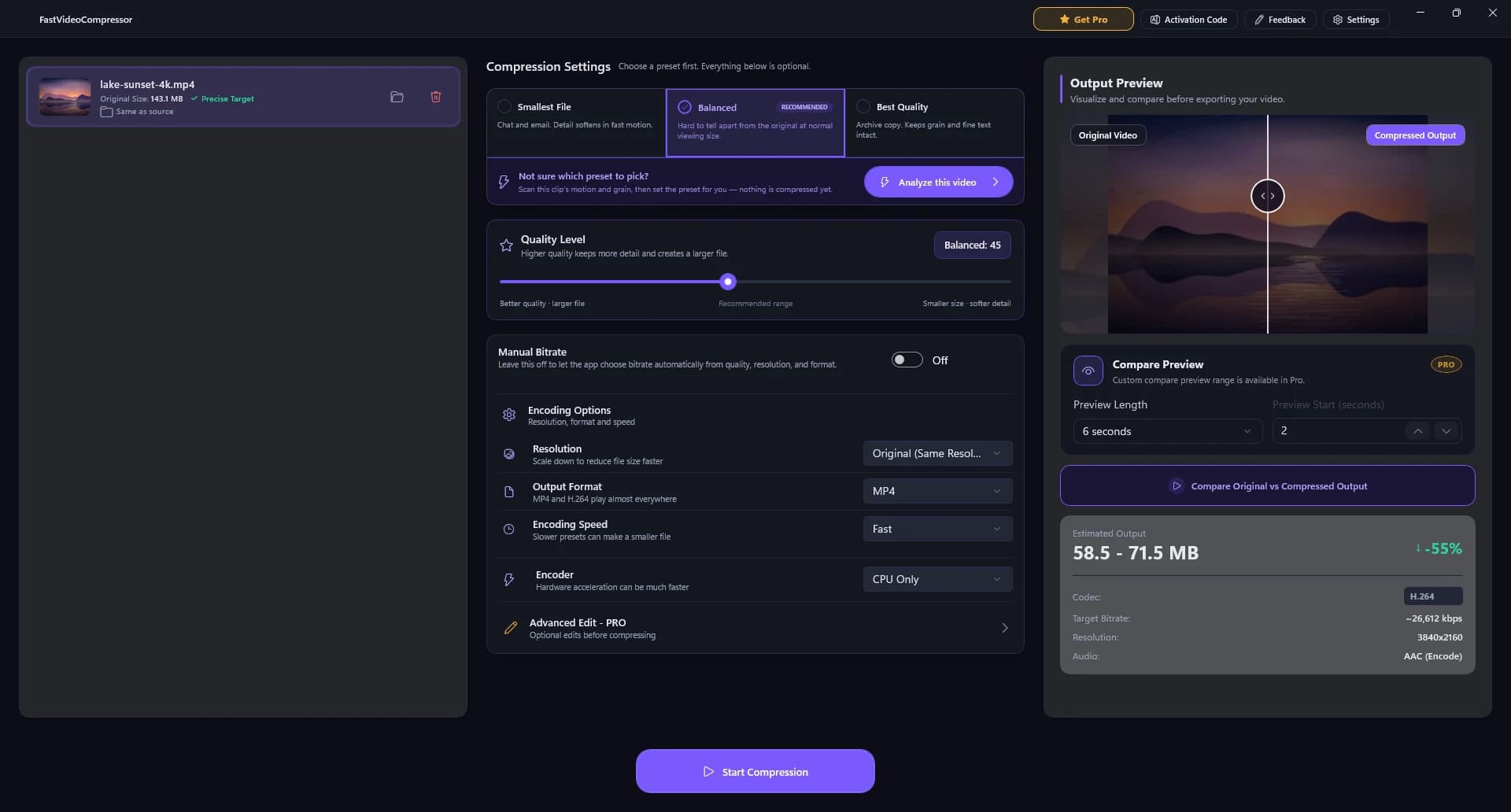
Drop the MP4 into Fast Video Compressor, pick a preset (Smallest File, Balanced or Best Quality), check the estimated size and the side-by-side preview, then click Start Compression. Everything runs on your PC - nothing is uploaded.
How much can this video compressor reduce file size?
Many videos can be reduced by up to 90%, depending on source quality, codec, resolution, and selected compression settings.
Can I compress video without losing quality?
Any compression removes some data, but the Balanced preset is tuned so the result is hard to tell apart from the original at normal viewing size. In our test a 143 MB 4K clip became 65 MB and stayed 4K. Use the side-by-side preview to check before you export.
Can I batch compress multiple videos in the Pro version?
Yes. Pro includes batch video compression, so you can queue multiple files and process them in one workflow on your Windows PC.
Does Fast Video Compressor Pro support GPU acceleration?
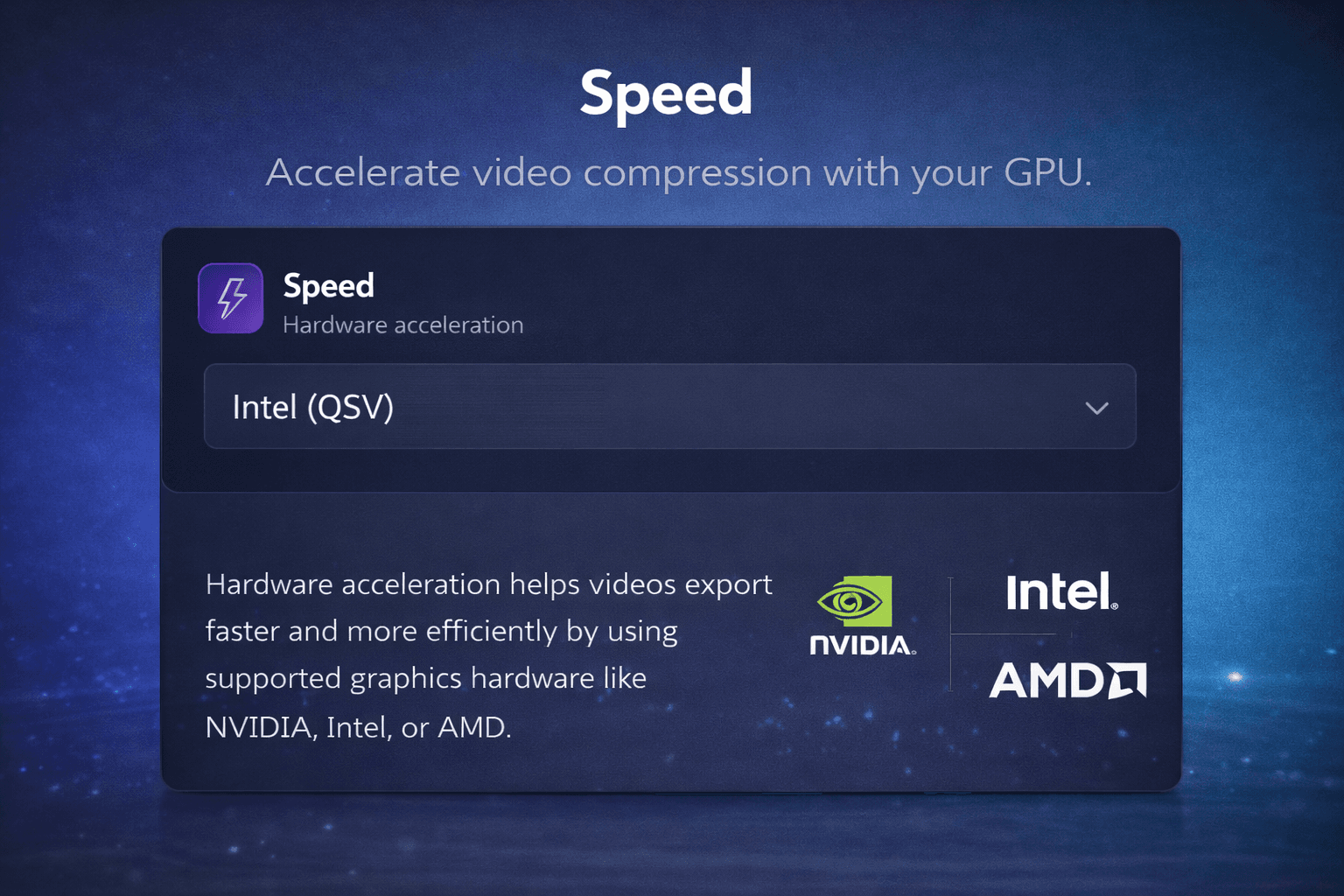
Yes. The Pro version includes GPU acceleration on compatible Intel, NVIDIA, and AMD hardware for faster video compression.
Which video formats are supported?
The free edition compresses MP4 files. Pro adds MKV, AVI, MOV, WMV, WEBM and M4V.
Is Fast Video Compressor free?
Yes. The free edition from the Microsoft Store compresses MP4 videos up to 2 GB, one at a time, and needs no account. Pro is an optional in-app upgrade that adds every format, removes the 2 GB limit, and adds GPU acceleration and batch compression.
How do I download a video compressor for PC?
Click Download for Windows on this page. It opens Fast Video Compressor in the Microsoft Store; click Get or Install and Windows sets it up - there is no .exe file to run. It works on Windows 11 and 10 (x64, x86 and ARM64).
How do I compress a video for WhatsApp, Discord or email?
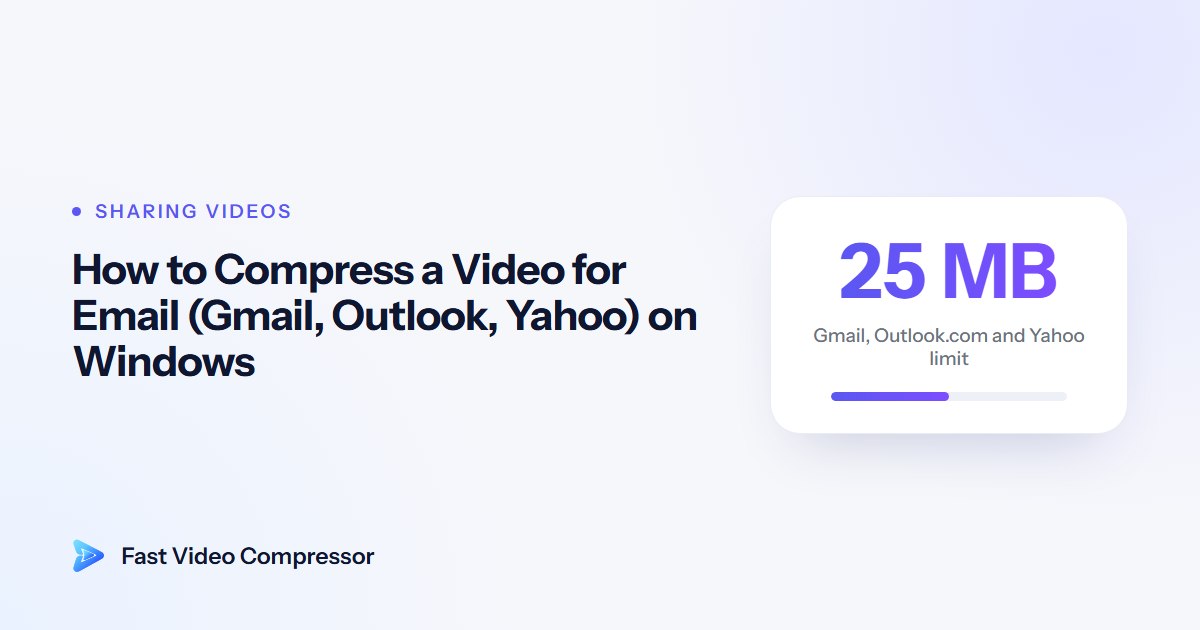
Add the video, pick Smallest File and watch the estimated size until it is under the limit - 16 MB for WhatsApp videos, 20 MB for free Discord accounts, about 20 MB for email. For an exact size, use the Manual Bitrate option.
Is Fast Video Compressor a good HandBrake alternative?
Yes, if you want simple compression. HandBrake offers far more codec settings; Fast Video Compressor gives you three presets, a live size estimate and a side-by-side preview, so you get a smaller file without learning the settings.
Is this the same app as SVP Video Compressor?
Yes. Fast Video Compressor was previously known as SVP Video Compressor. It is the same app from the same developer, now updated and renamed.
Is it safe to download?
Fast Video Compressor is distributed through the Microsoft Store, so it passes Microsoft Store certification and Windows installs and updates it for you. It runs offline and never uploads your videos.
Is there an .exe or offline installer?
There's no separate .exe to download. Windows installs Fast Video Compressor from the Microsoft Store, which keeps it signed, virus-checked and updated. Once it is installed, the app works fully offline, with no internet connection needed to compress videos.
What is the difference between the free and Pro versions?
The free edition is the same app from the Microsoft Store, with limits: it compresses MP4 videos up to 2 GB, one at a time. Pro unlocks every format, removes the size limit, and adds GPU speed and batch compression.
Does it work on Windows 7, Mac or Android?
No. Fast Video Compressor is made for Windows 11 and Windows 10 PCs and laptops (64-bit, 32-bit and ARM). There's no Mac, Android or Windows 7 version.
Is there a file size limit for compression?
The free edition handles videos up to 2 GB each. Pro removes the limit. There is never an upload limit, because everything runs on your PC.