
Shrink MP4, MOV, and AVI files by up to 90% without sacrificing 4K quality. The ultimate offline compressor—zero uploads, 100% privacy.


Stop wasting time uploading large files. Switch to powerful offline compression.
Don't waste hours uploading large 4K files. Compress video offline directly on your PC. It's safer, faster, and requires no data usage.
Your videos never leave your computer. Perfect for sensitive footage, personal memories, or professional work that you can't risk uploading to the cloud.
Online compressors limit you to 500MB. Fast Video Compressor handles GBs of data effortlessly. Compress 8K, 4K, and HD videos of any size.
See the dramatic difference in file size and quality when using our advanced video compression technology.

Everything you need to compress video like a pro — batch processing, high quality, and GPU power.
Need to shrink 100 videos at once? Simply drag and drop entire folders. Our bulk processing engine handles the queue while you do other work.
Reduce video size without the "blocky" look. Our smart algorithms optimize bitrates to keep your picture sharp while drastically lowering file size.
The best tool to reduce MP4 size, as well as AVI, MOV, WMV, MKV, and FLV. Convert and compress in one step.
Uses your computer's GPU (NVIDIA, AMD, Intel) to compress video faster than any browser-based tool can manage.
Open the software and pull in your video files (or entire folders). Supports MP4, MOV, AVI, MKV, and more.

Choose a preset (Low, Medium, High Quality) or set a specific target file size (e.g., "Compress to 10MB").
Your videos are processed instantly on your PC and saved to your chosen folder. Fast, secure, and offline.
Ensure perfect results every time with our high-fidelity Side-by-Side Video Quality Comparison. FastVideoCompressor lets you preview the original and compressed versions in real-time before you export, allowing you to check every detail and file size reduction. With synchronous playback and instant visual feedback, you have total control over the compression quality while keeping everything 100% offline and secure.
.jpg "High-Fidelity Video Compression Quality Preview")

.jpg "Professional Video Editing Timeline Interface")

Before compression, take full control of your video. FastVideoCompressor’s Edit Mode lets you easily preview, trim, and customize your clips with a clean, intuitive interface.
Preview & Trim: Play your video and set precise Start and End points using visual sliders or time inputs.
Audio Control: Adjust volume or mute instantly to create silent cuts or focused visuals.
Subtitles Integration: Burn subtitle files directly into your video for seamless playback.
Resolution & Rotation: Choose your preferred resolution or rotate the video before exporting — perfect for social media, reels, and content creators.
Smart Controls: One-click Set In / Set Out trimming, real-time preview updates, and auto-apply optimized settings.
Compare features and find the perfect fit for your video compression needs
| FEATURE | ||
|---|---|---|
| Free Version | Pro Version | |
| Compression Mode | Single Video OnlyCompress one video at a time. | Batch Mode AvailableCompress multiple videos together. |
| Compression Speed | Standard SpeedUses CPU for processing. | Up to 3× FasterGPU acceleration for faster compression. |
| File Size Limit | 2 GB LimitMaximum file size per video. | No Size LimitCompress any size video without restriction. |
| Maximum Resolution | Up to 1080p HDSupports full HD output. | Up to 8K Ultra HDPreserves high-quality 4K and 8K videos. |
| Video Quality | Basic CompressionAutomatic quality control. | Advanced ControlsAdjust bitrate, FPS, and clarity manually. |
| Supported Formats | Limited FormatsMP4, MOV only. | All Major FormatsMP4, MKV, AVI, MOV, WebM, HEVC, and more. |
| Audio Control | Automatic AudioAudio kept as-is. | Full ControlMute or adjust audio levels easily. |
| Subtitles | Not SupportedSubtitles not editable. | Full Subtitle ControlEdit, remove, or keep subtitles. |
| Video Editing Tools | Not IncludedCompression only. | Built-in EditorTrim, merge, and rotate videos. |
| Software Updates | Manual UpdatesCheck for updates yourself. | Automatic UpdatesAlways stay up to date. |
| Customer Support | Community SupportHelp via forums. | Priority SupportDirect help by email and live chat. |
| Price | Free ForeverBasic tools included. | Pro PlanOne-time or subscription access to all features. |
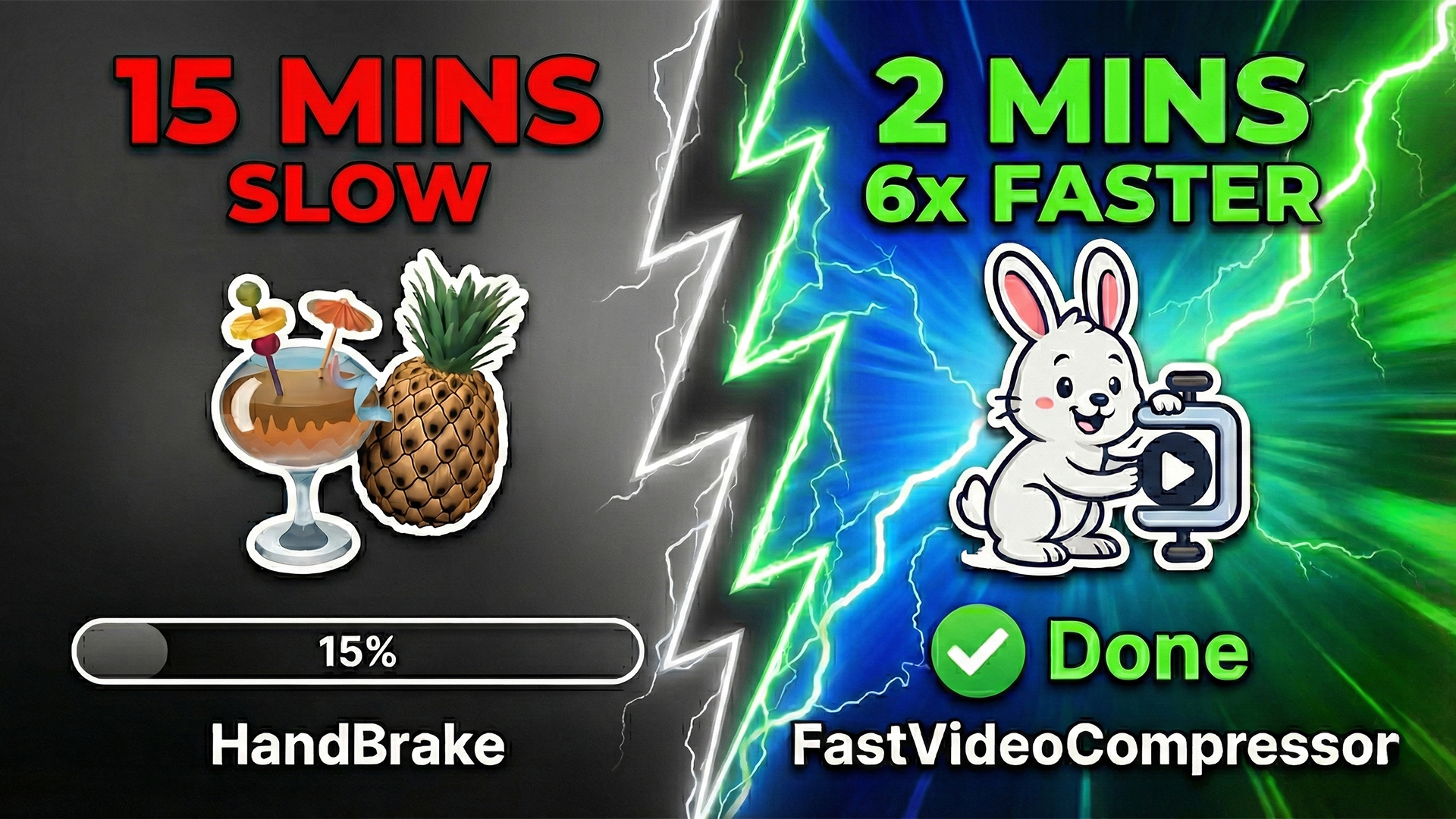
Looking for a faster, easier HandBrake alternative? We compared HandBrake vs. FastVideoCompressor. See why FVC is the best choice for fast, offline video compression.
Read moreFind answers to common questions about Fast Video Compressor.
Yes, Fast Video Compressor offers a free version for Windows users to test the compression quality and speed. The free version includes core compression features with some limitations. Upgrade to Pro for batch processing, unlimited file sizes, and advanced controls.
Unlike many free online tools, our software provides clean, watermark-free compression options for professional use. Your compressed videos look exactly as intended — no branding or overlays.
Absolutely! Use our "Email" or "WhatsApp" presets to automatically shrink video files to under 25MB or 16MB instantly. Perfect for sharing via messaging apps and email without file size rejections.
Yes. Because it is offline video compressor software, your files are processed 100% locally on your hard drive. No third-party servers ever see your content. This makes it ideal for sensitive, personal, or confidential video content.
Compress smarter, faster, and safer with FastVideoCompressor.
One tool. Endless performance.
.jpg "Batch Video Compression Results Overview")


 22 November 2025
